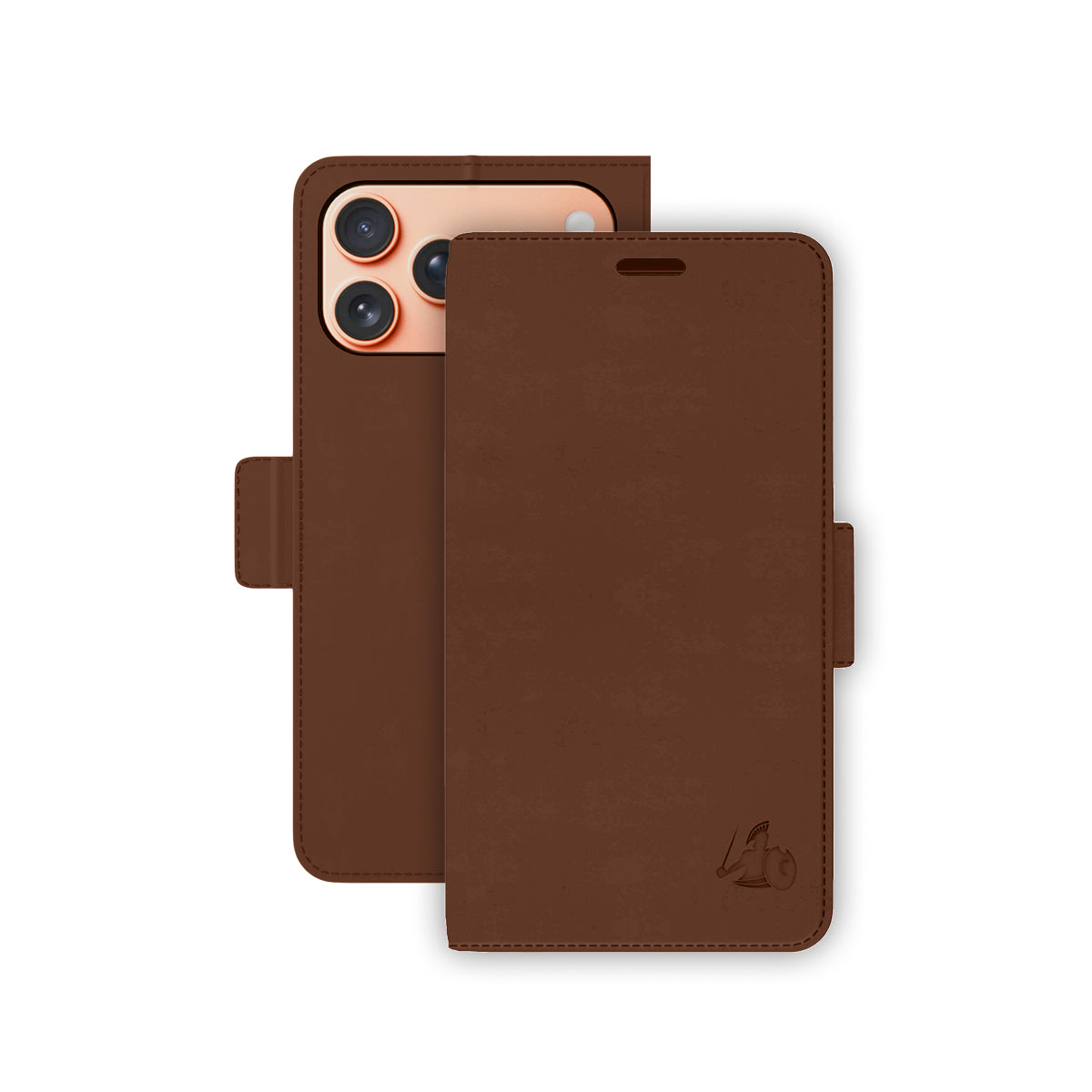
Getting Set Up
1. Choose the model that matches your iPhone. Select iPhone 17, iPhone 17 Air, iPhone 17 Pro, or iPhone 17 Pro Max. Make sure to check your phone settings (settings → general → about) to confirm your phone matches the phone model you are purchasing. Each case is precisely fitted to its model for camera cut-out alignment, button access, and port clearance.
2. Snap your phone into the metal-backed nesting. Align your iPhone with the anti-shock flexible nesting and press until it clicks securely into place. The nesting holds the phone magnetically to the wallet cover and protects against drops.
3. Load your cards and attach the wrist strap. Slide up to six cards into the RFID-blocking slots, with cash or additional cards in the larger pocket behind the slots. Clip the included wrist strap to the case for secure carrying.
For Maximum EMF Reduction
• Keep the shielded front cover between your body and the phone at all times. When carrying in a pocket, ensure the front cover faces your body. When holding the phone to your ear, keep the cover closed between the screen and your face. This positions the Ultra Armor+® shielding directly between the EMF source and your body.
• Pair with DefenderShield Air Tube Earbuds for calls. The case shields your body during pocket carry and your head during calls, but the Air Tube Earbuds can keep your phone and any RF or ELF signal even further away from your head during calls with a hollow acoustic tube.
• Use the landscape stand for hands-free viewing. Fold the back cover into the built-in stand to prop your phone on a desk or table — reducing prolonged body contact during video calls, streaming, or browsing.
• Mount on a DefenderShield Magnetic Car Phone Mount for driving. Detach the wallet cover and mount the nesting directly to the magnetic car mount for safe, hands-free navigation and calls while driving.
Care Instructions
• Wipe the vegan leather exterior with a soft, slightly damp cloth. Do not submerge in water or use harsh chemicals.
• Clean the microfiber and polyurethane interior with a dry cloth to remove dust and lint.
• Keep the magnetic closure and nesting contact points free of debris for reliable attachment.
• To ensure your case stays in peak condition, please avoid bending the corner near the camera cutout. Because of the slim design in this area, keeping it flat will help maintain the case’s structural integrity over time.