


DefenderShield
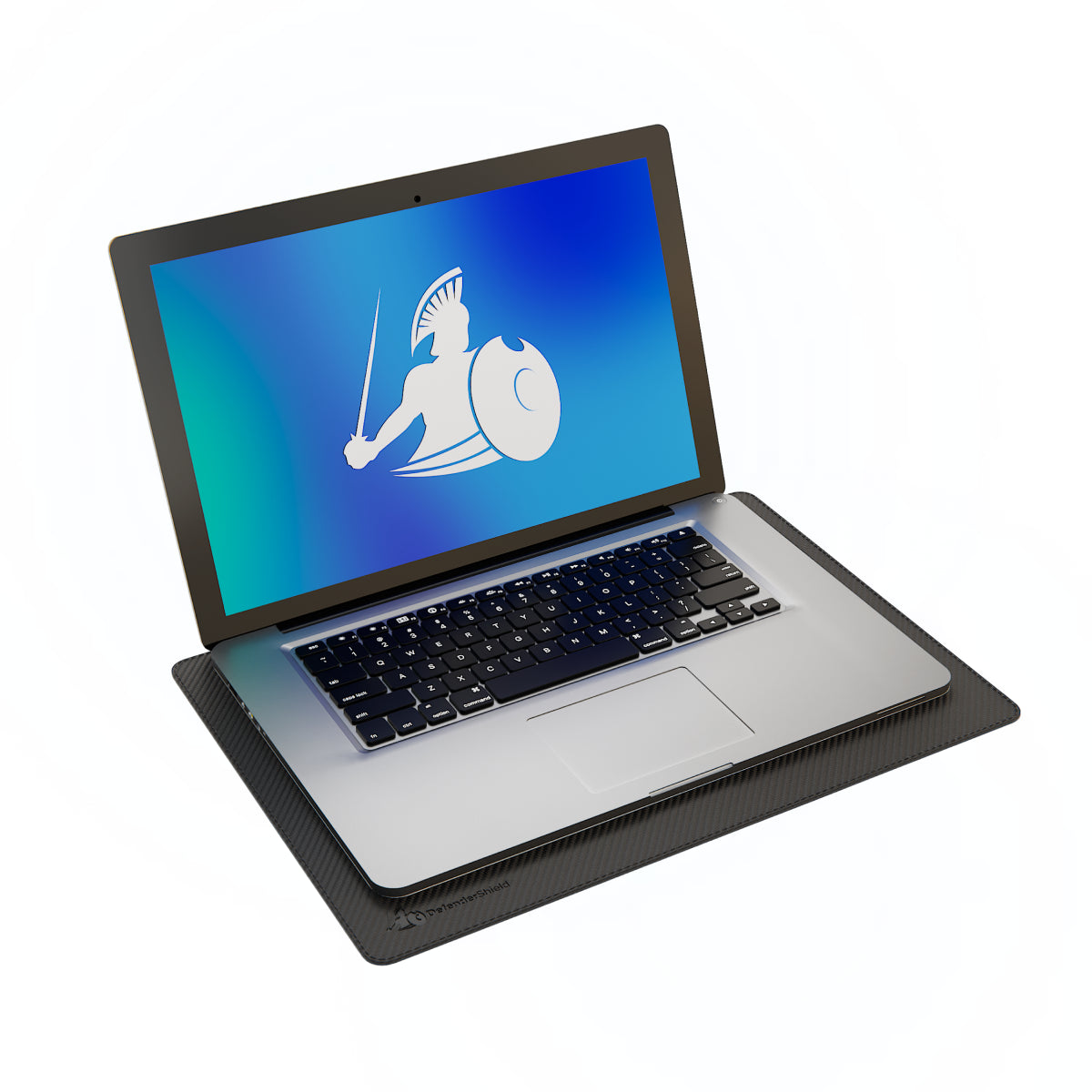
DefenderPad® Laptop EMF Radiation + Heat Shield — Full-Spectrum Shielding with Thermal Barrier
Regular price
$154.99 USD
Regular price
Sale price
$154.99 USD
Unit price
per
In stock
Shipping calculated at checkout.
Ultra Armor+® Shielding
Maximum Protection for ELF + RF Frequencies
- Frequency Range ELF + RF (60 Hz - 2.5 THz)
- Performance Maximum Protection
- Flexibility Rigid
- Best Application Everyday use of your phone, laptop, or tablet close by or on your body. Perfect if you use your laptop directly on your lap, or if you talk with your phone by your head or store it in your pocket (or in bra straps and waist bands!) for a few hours or more each day.
Good to know
The DefenderPad shields EMF and heat directed downward toward your lap but does not block emissions radiating outward from the screen or sides of the laptop. For comprehensive upper-body shielding during extended sessions, pair with the EMF Radiation Blocking Blanket or EMF Protection Shorts. The Standard model includes a silicone thermal barrier for full heat blocking; the Lite model reduces heat but may not completely block it from high-power devices.


COMPARE OPTIONS
DefenderPad vs. Alternatives
A concise comparison to help shoppers choose the right option for their device, use case, and exposure priorities.
| Feature | DefenderPad (Standard) | Generic Laptop EMF Pad | Standard Lap Desk / Cooling Pad |
|---|---|---|---|
| EMF Shielding | Up to 99% RF + ELF Blocking (0–110 GHz) — lab tested | Up to 99% RF Blocking but doesn’t block the full RF spectrum (5G) or ELF emissions — often untested | None (0%) |
| 5G Protection | All bands verified | Only low and mid-band 5G | None |
| ELF (Battery) Shielding | 3–300 Hz | Varies — some omit ELF entirely | None |
| Thermal Barrier | Full heat blocking (silicone layer) | Varies — some offer partial | Partial (airflow-based, no shielding) |
| Independent Lab Testing | Independent US-based lab testing | Rarely independently verified | N/A |
| Device Compatibility | Up to 17″ | Varies | Varies |
| Non-Slip Surface | Textured silicone | Varies | Common |
| Weight | 2.2 lbs | Varies | 1–4 lbs typical |
| Warranty | 1-year manufacturer | 30–90 days typical | Varies |
| Returns | 30-day full refund | Often refused on opened items | Varies |
| Price | $154.99 (Standard) | $40–$120 | $20–$60 |
FREQUENTLY ASKED QUESTIONS
DefenderPad® Laptop EMF Radiation + Heat Shield — Full-Spectrum Shielding with Thermal Barrier FAQ
COMPLETE YOUR EMF PROTECTION
Customers Who Bought This Also Ordered
-
EMF Protection Anti-Radiation Blanket
Regular price From $164.99 USDRegular priceUnit price per$409.99 USDSale price From $164.99 USDSale -
EMF Radiation Protection Shorts
Regular price From $96.99 USDRegular priceUnit price per$159.99 USDSale price From $96.99 USDSale -
Blue Light Blocking Glasses – Signature Series
Regular price $46.99 USDRegular priceUnit price per -
EMF Radiation-Free Earbuds Air Tube Stereo Headphones
Regular price From $87.99 USDRegular priceUnit price per


DefenderPad Reviews and Testimonials
Designed by a Telecom Engineer.
DefenderShield was founded by Daniel T. DeBaun, a 30-year veteran of the telecommunications industry. Every product is engineered using shielding principles from military and industrial EMF protection, adapted for consumer devices.
LEARN MORE
Research & Guides About EMF Protection
Educational resources about EMF radiation, shielding science, and practical tips for reducing your daily exposure.
-

Top 3 Areas of Your Body Most Vulnerable to EMF Radiation
Think back to the last time you spoke on your cell phone for more than a few minutes. If you didn’t use hands-free headphones or put...
-

Dangers of Using Laptops and Tablets During Pregnancy
If you are using a laptop or tablet, chances are you have it on or very close to your lap. It seems like all of...
-

Computer Radiation: What are the Effects of Excessive Exposure?
For many, the laptop is an extension of the body, resting on laps in coffee shops, sitting on stomachs in bed. While this proximity offers convenience,...


